
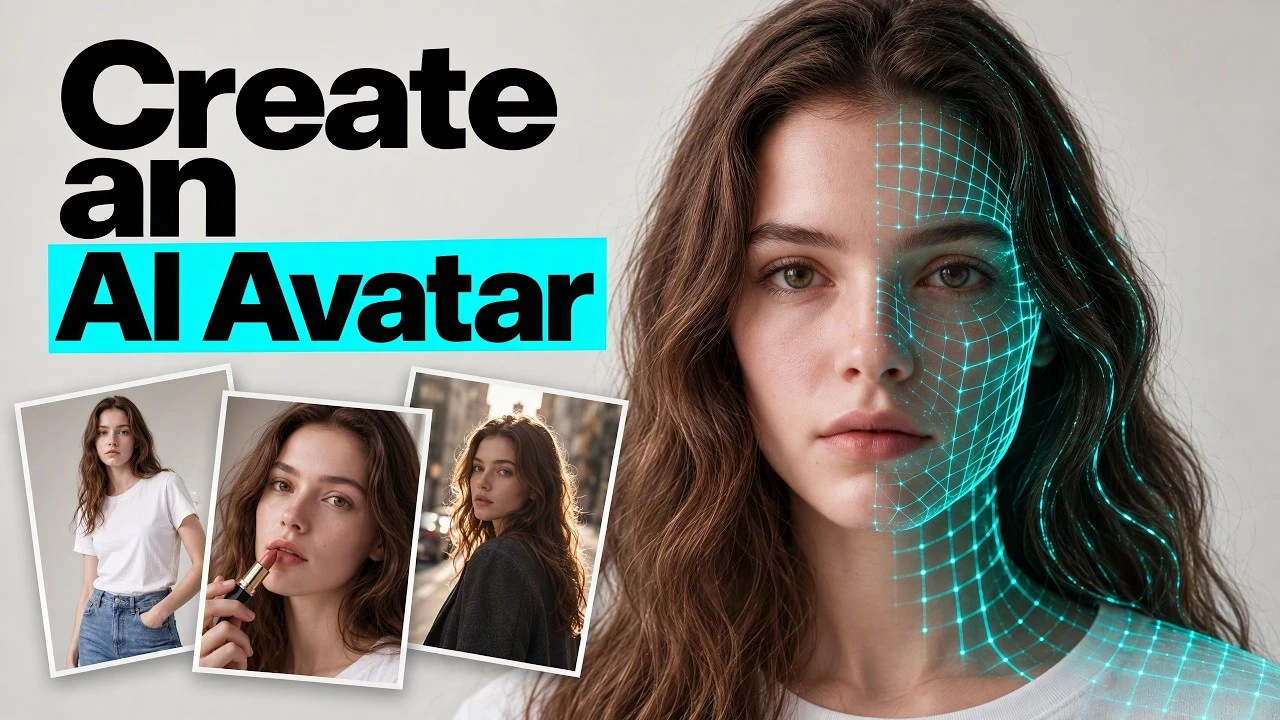
AI Content Creation · 7 min
Create an AI Avatar and Build a Product Campaign in VizMaker
Develop a consistent AI character, build a reference-led product photo shoot, refine individual details, and turn the selected images into video and poster assets.
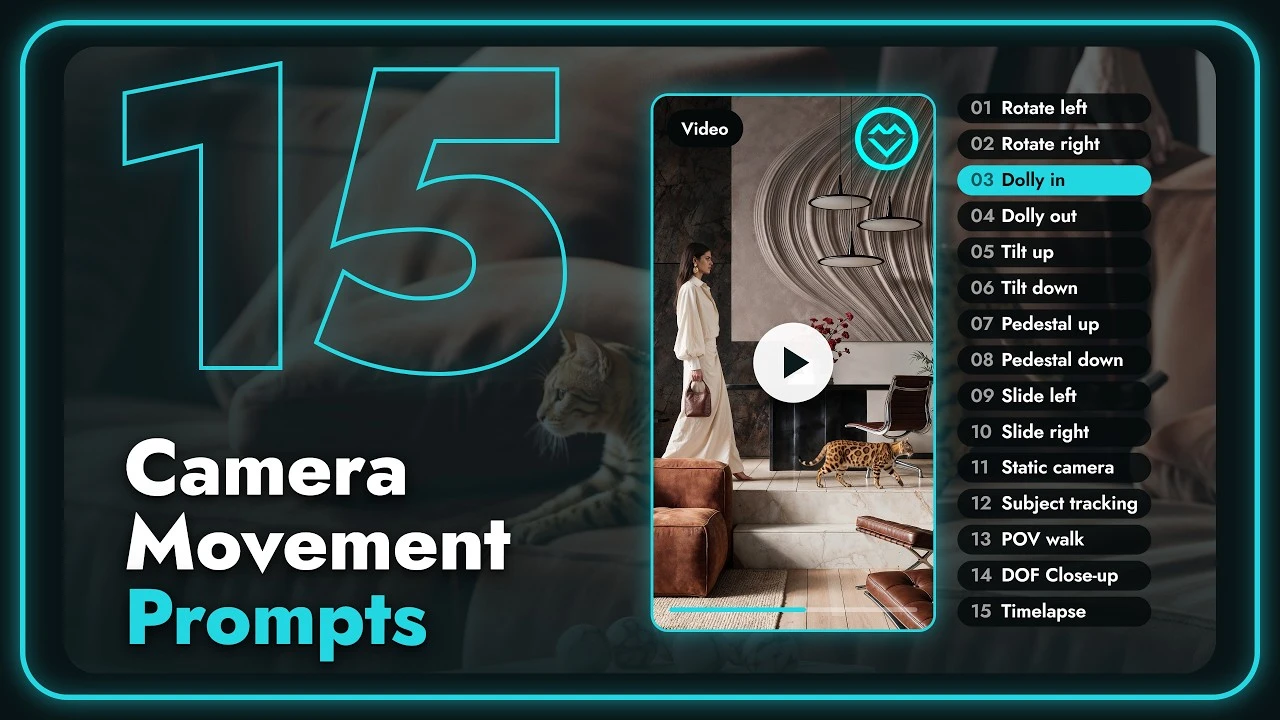
Architectural Animation · 5 min
15 AI Camera Moves for Architectural Animation in VizMaker
Choose camera presets for architectural animation, from subtle slides and detail shots to walkthroughs, rotations, facade tilts, and changing daylight.
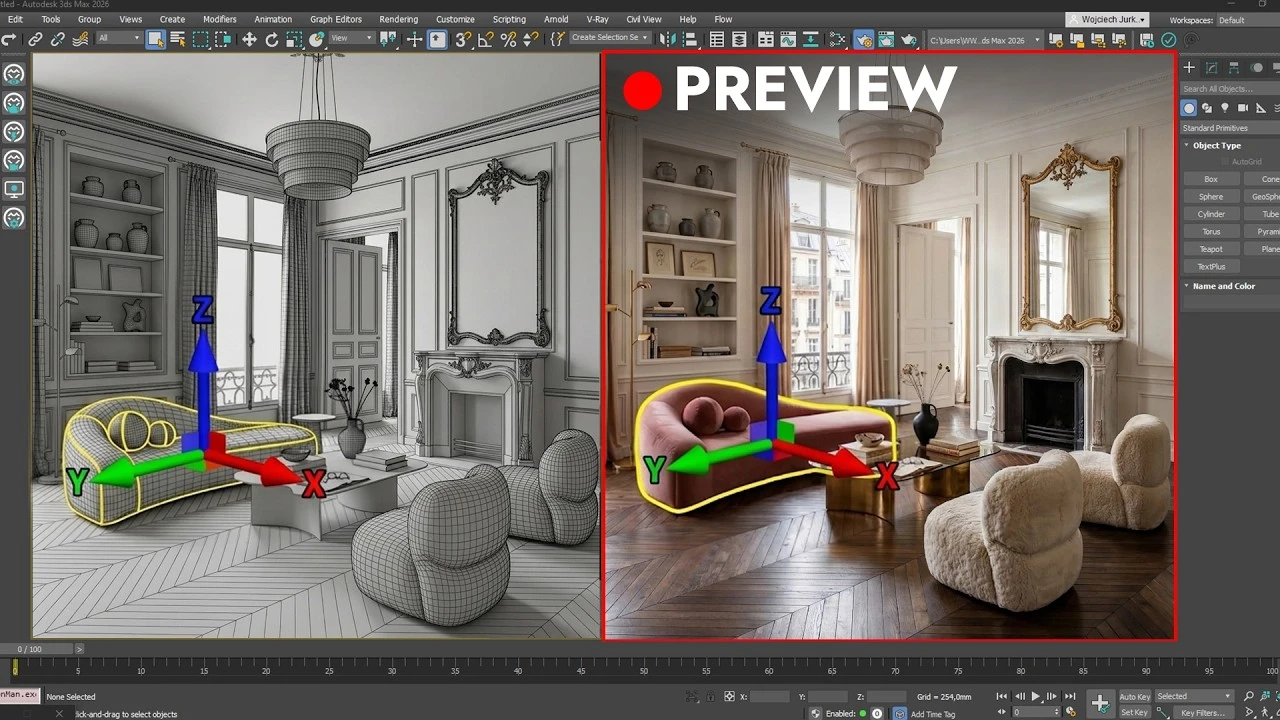
AI Animation · 7 min
Turn 3D Viewport Motion into AI Animation in VizMaker
Capture movement from a 3D viewport, combine it with appearance references, and create guided interior walkthroughs, character motion, and product animations.
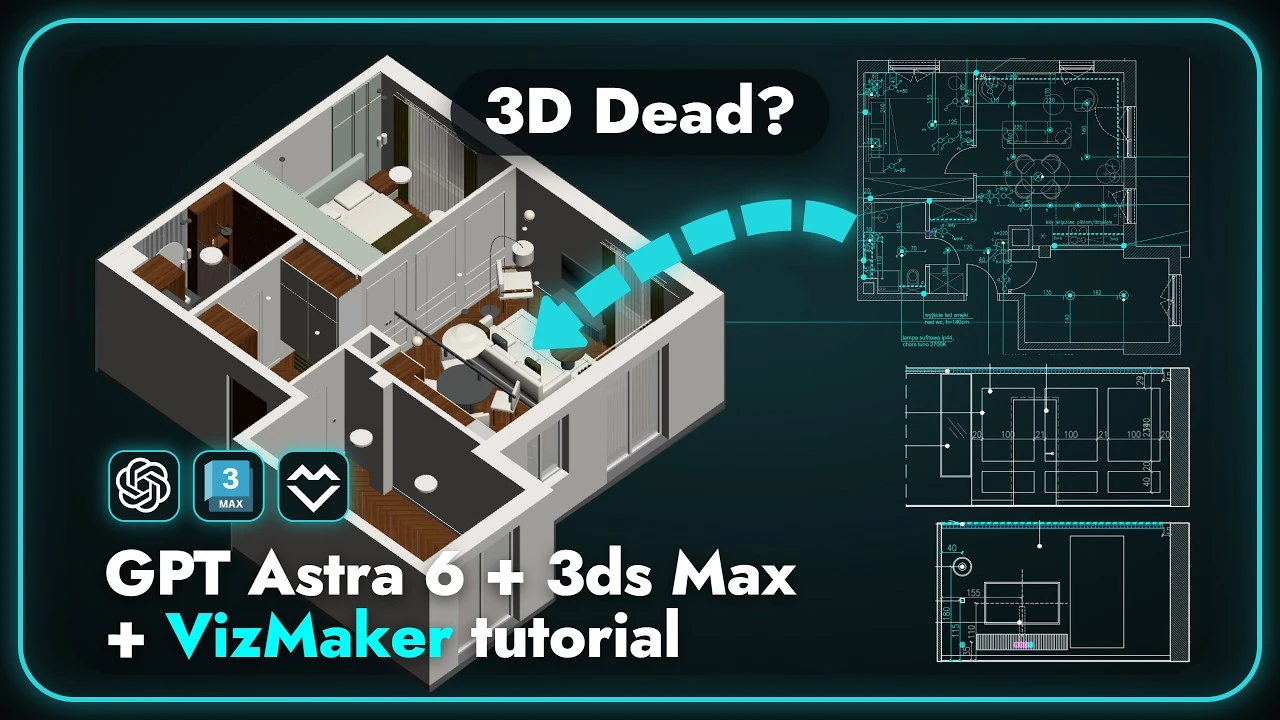
AI-Assisted Modeling · 6 min
From Construction Drawings to a 3ds Max Scene with AI
Use an AI-assisted workflow to build an apartment scene from drawings, review dimensions and detailing, and develop camera views and draft renders in VizMaker.
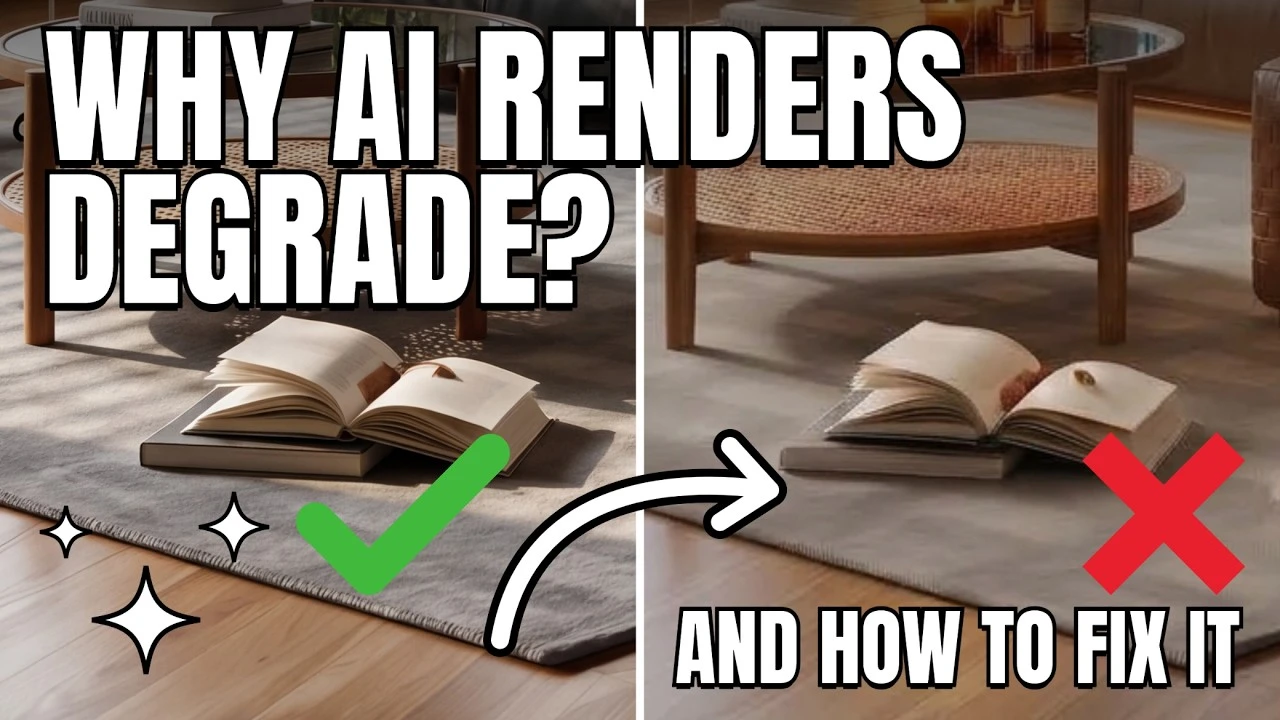
Image Editing · 5 min
How to Reduce AI Image Degradation During Repeated Edits
Keep architectural images cleaner by returning to a saved base, editing selected regions, and using layers and raster adjustments for controlled refinements.
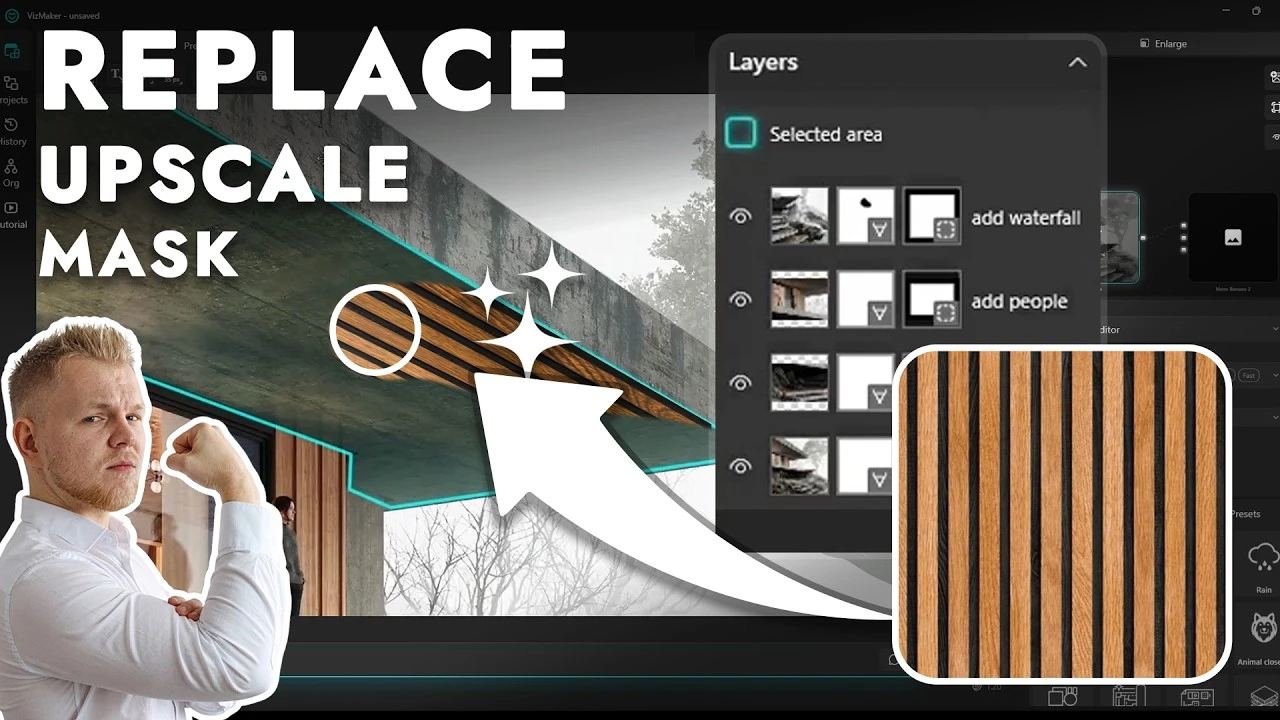
Image Editing · 7 min
AI Image Masking in VizMaker: Edit, Replace, and Upscale Selected Areas
Refine architectural images with selections, editable masks, local upscaling, reference textures, annotated furniture changes, and color-driven prompts.
Lighting and Atmosphere · 4 min
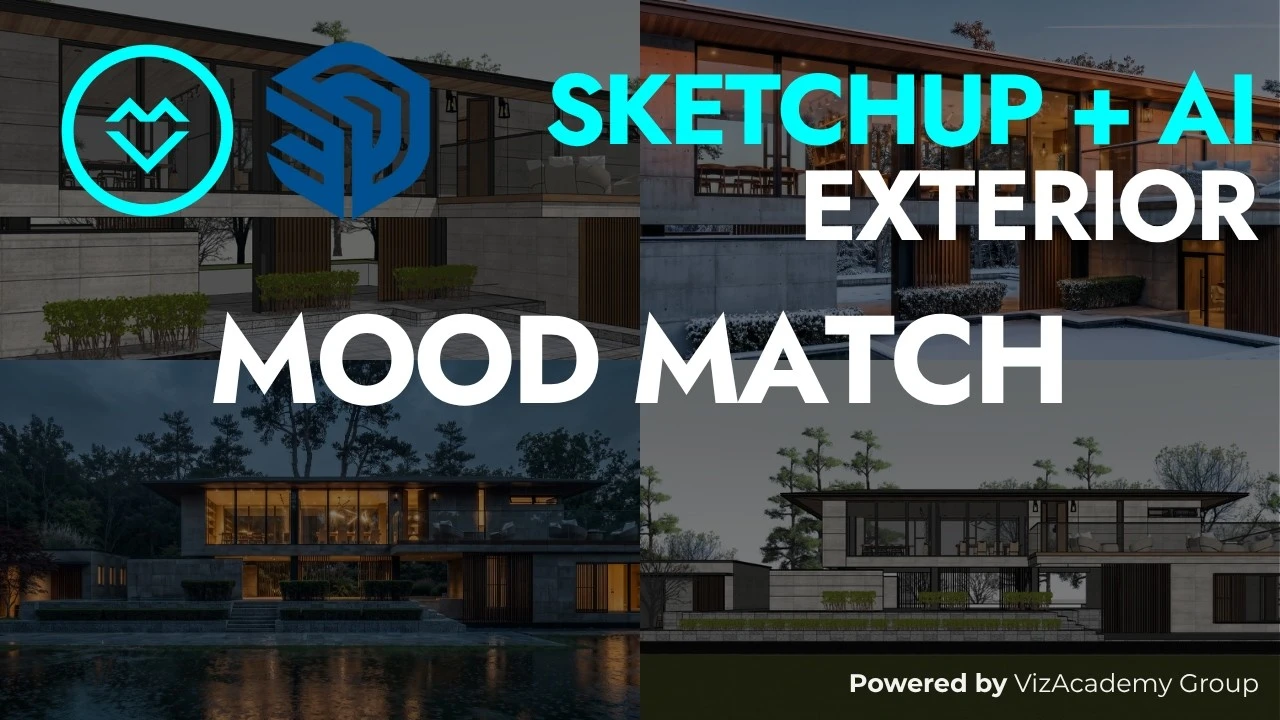
Transfer Reference Lighting and Mood to SketchUp Renders with AI
Use a reference photograph to guide lighting, atmosphere, and seasonal character in a SketchUp-based render, then compare the result with the original design.
Interior Rendering · 4 min
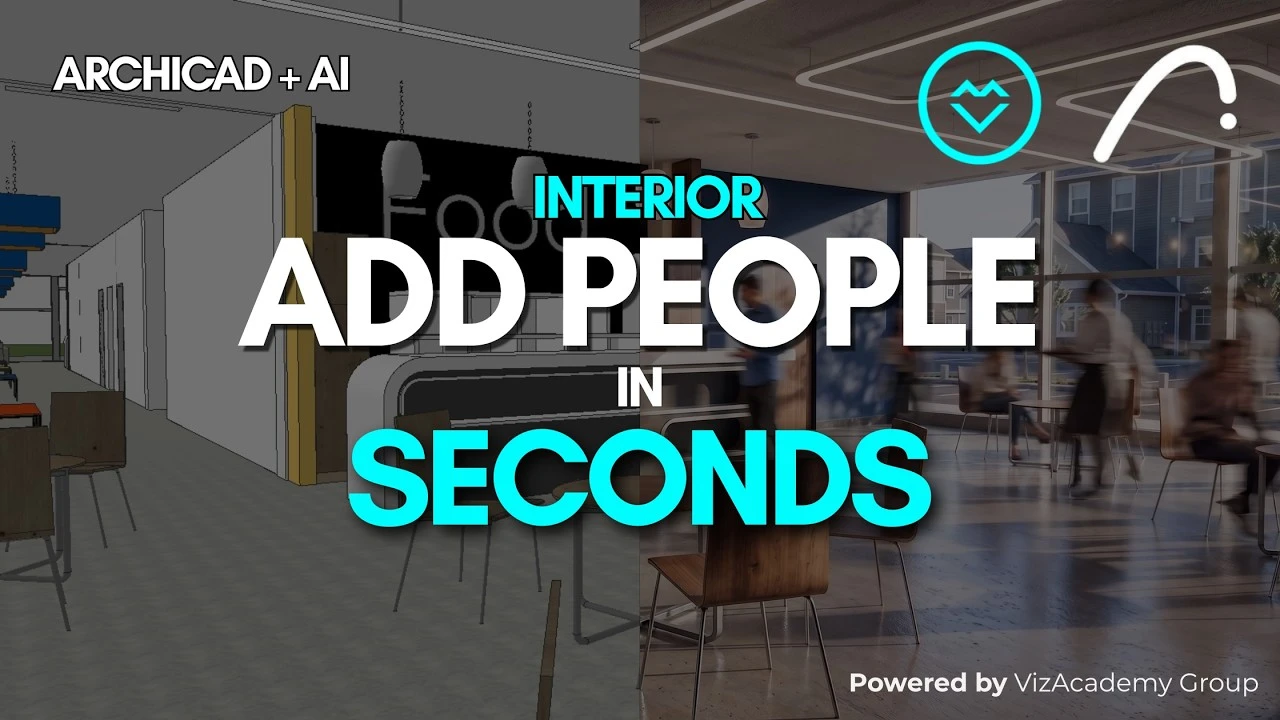
Add People to Archicad Interior Renders with VizMaker AI
Populate Archicad-based interior images with clear or blurred people, guide placement with drawing annotations, and create activity-focused presentation views.
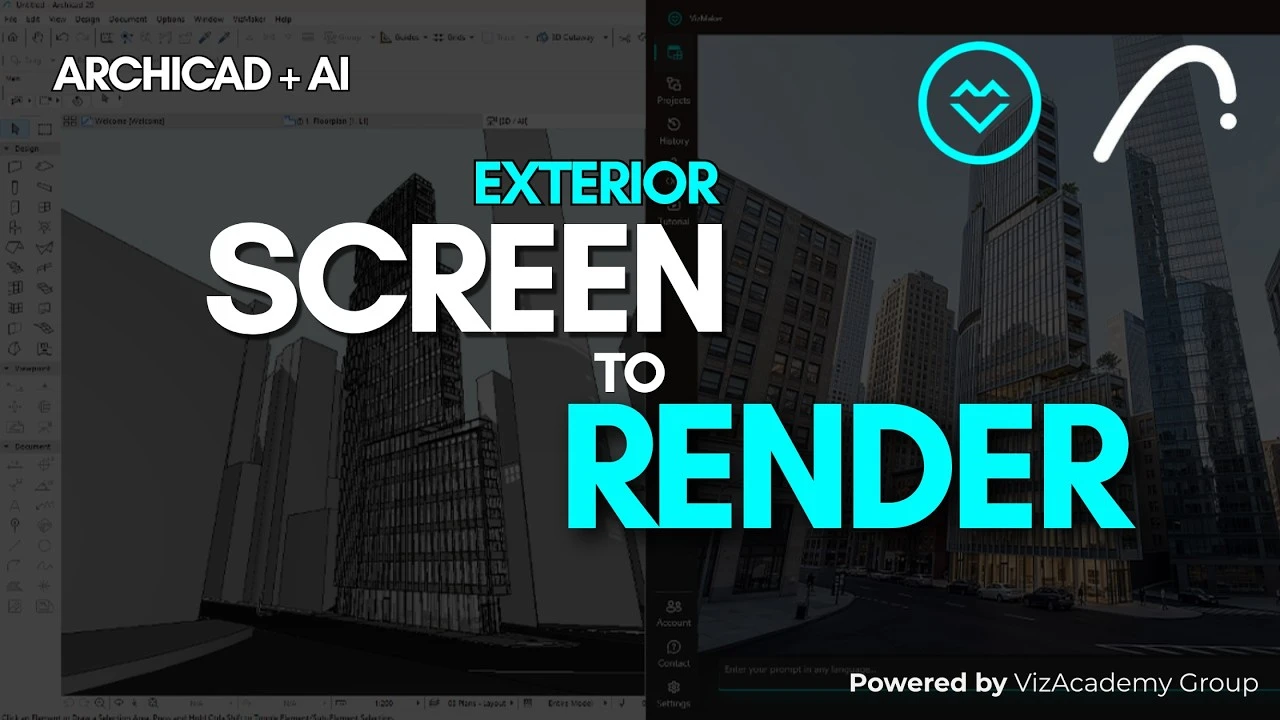
Architectural Rendering · 4 min
Archicad Exterior Rendering: From Camera Views to AI Images
Send prepared Archicad camera views to VizMaker, choose the View to render preset, and compare exterior images before moving into further presentation work.
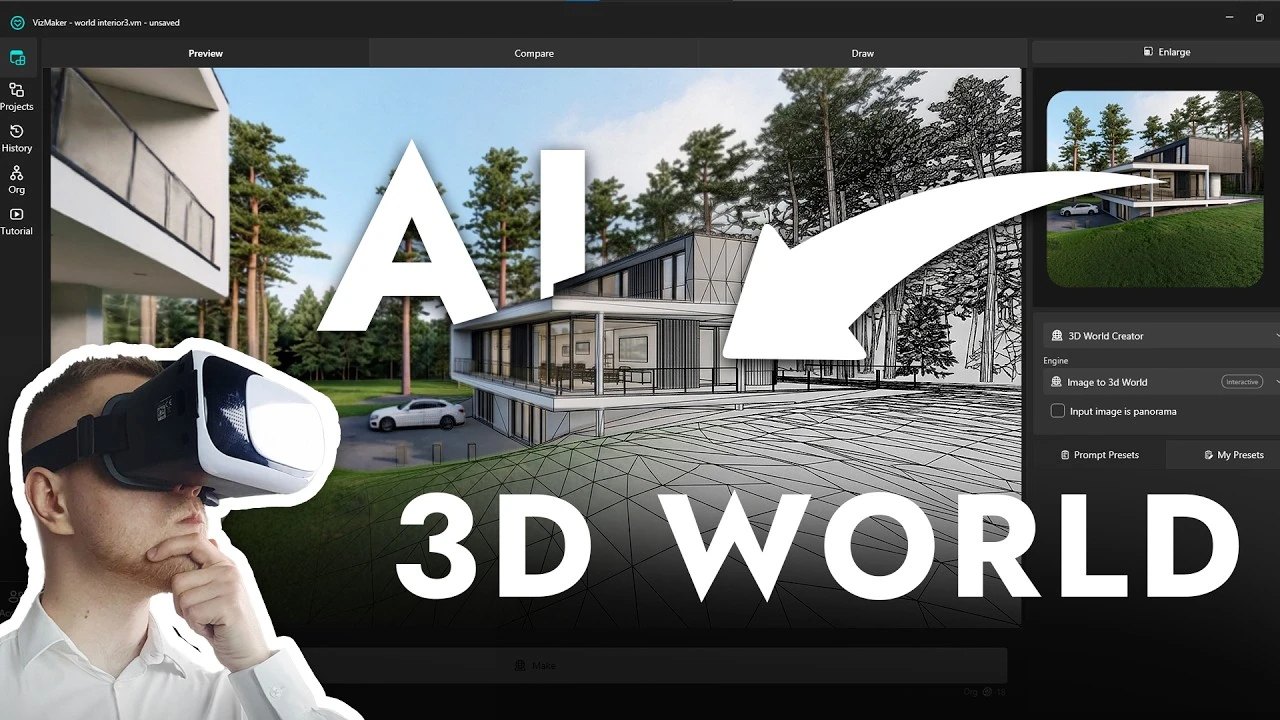
Interactive Visualization · 6 min
Turn a Photo or Panorama into an Interactive 3D World in VizMaker
Create an explorable interior from an image, use a panorama to provide more context, share the result, and develop new furniture variations and presentation views.
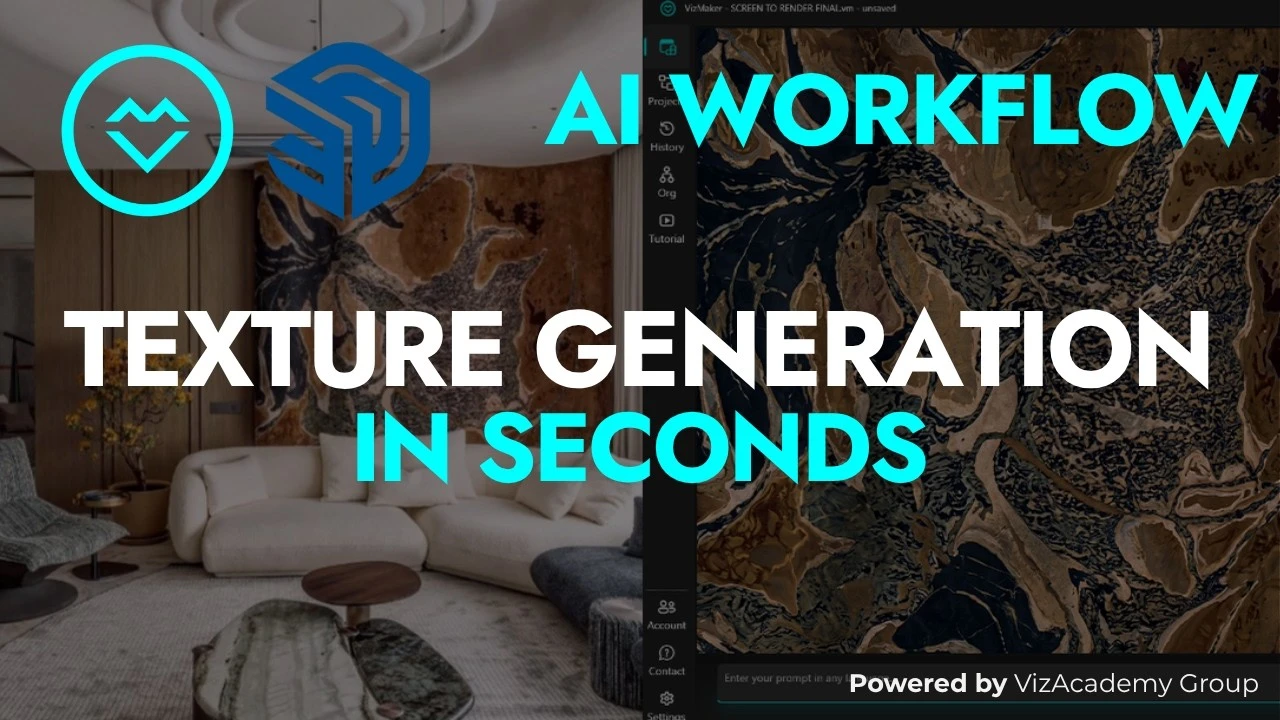
Materials and Textures · 4 min
Extract AI Textures from Images and Create Displacement Maps
Identify a material in a reference image, generate a square texture in VizMaker, refine its appearance, and develop an upscaled or displacement-map version.
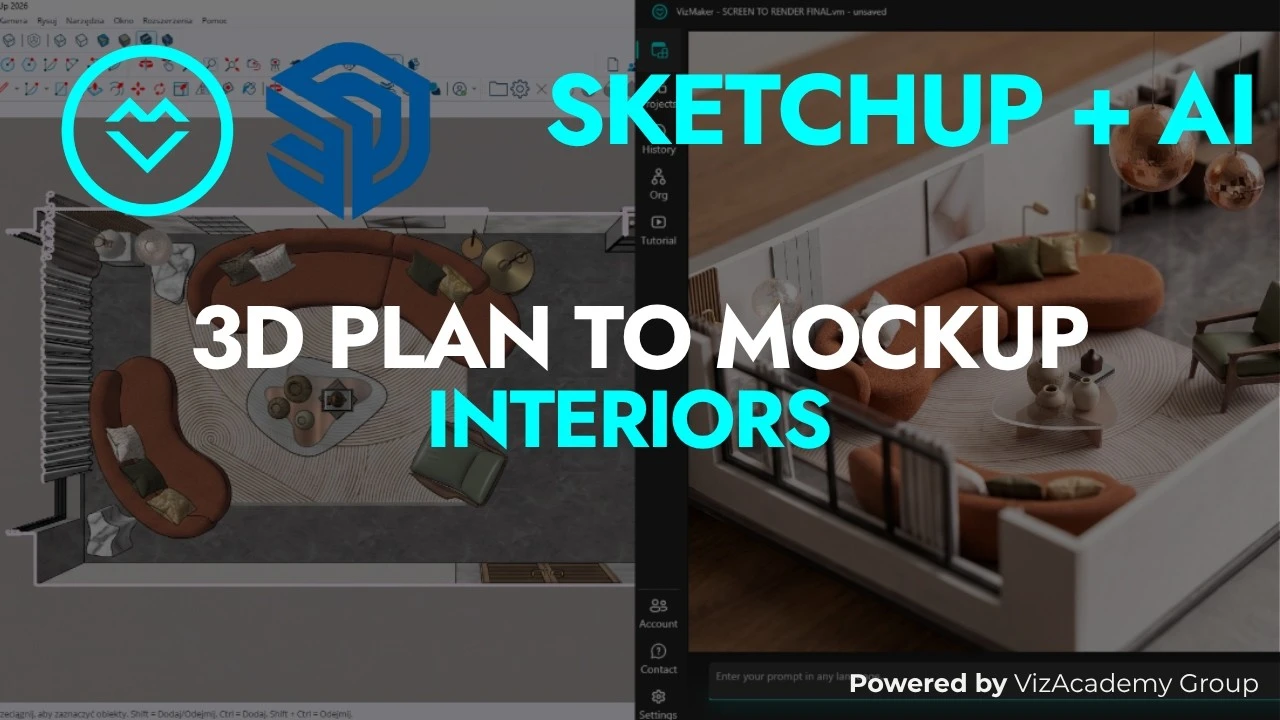
Design Presentation · 4 min
Turn SketchUp Floor Plans into Architectural Mockup Images
Present a SketchUp-based interior layout as a miniature architectural model using the VizMaker Mockup preset and a three-quarter view prompt.
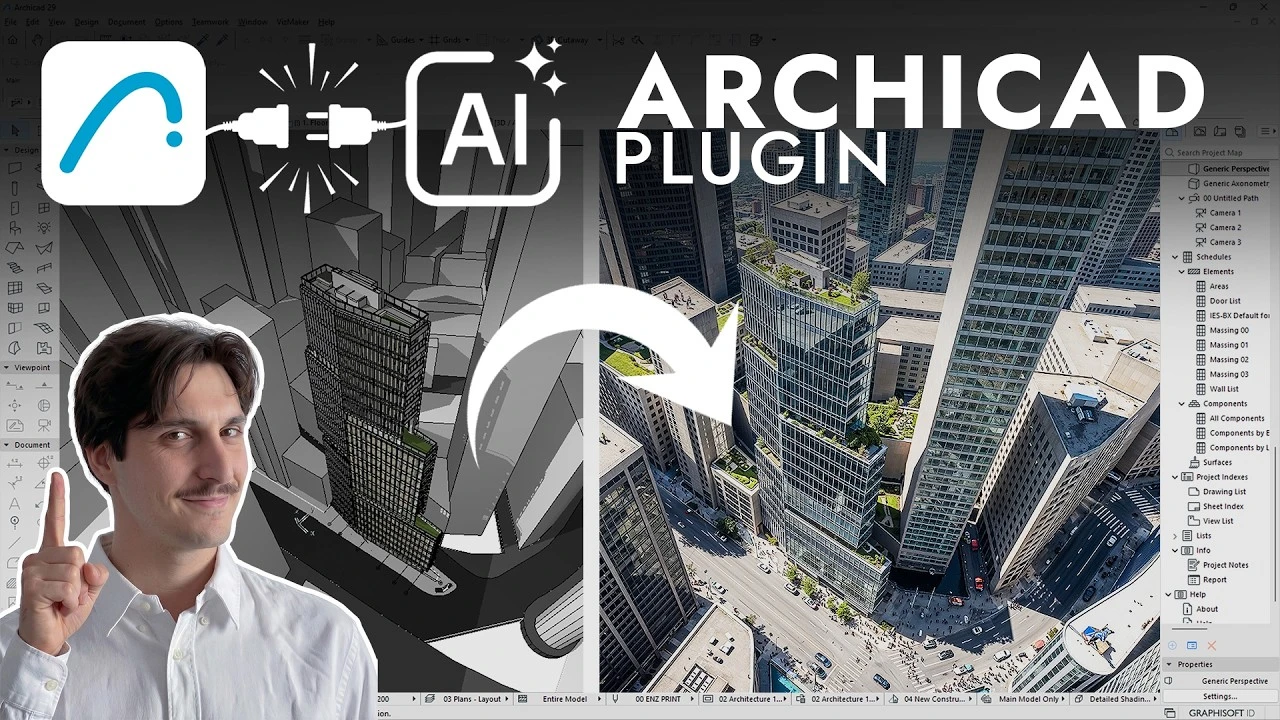
CAD Workflows · 6 min
Archicad AI Rendering with VizMaker: From Viewport to Presentation
Connect Archicad to VizMaker, compare exterior and interior renders, place people and objects, refine details, and turn selected views into presentation videos.
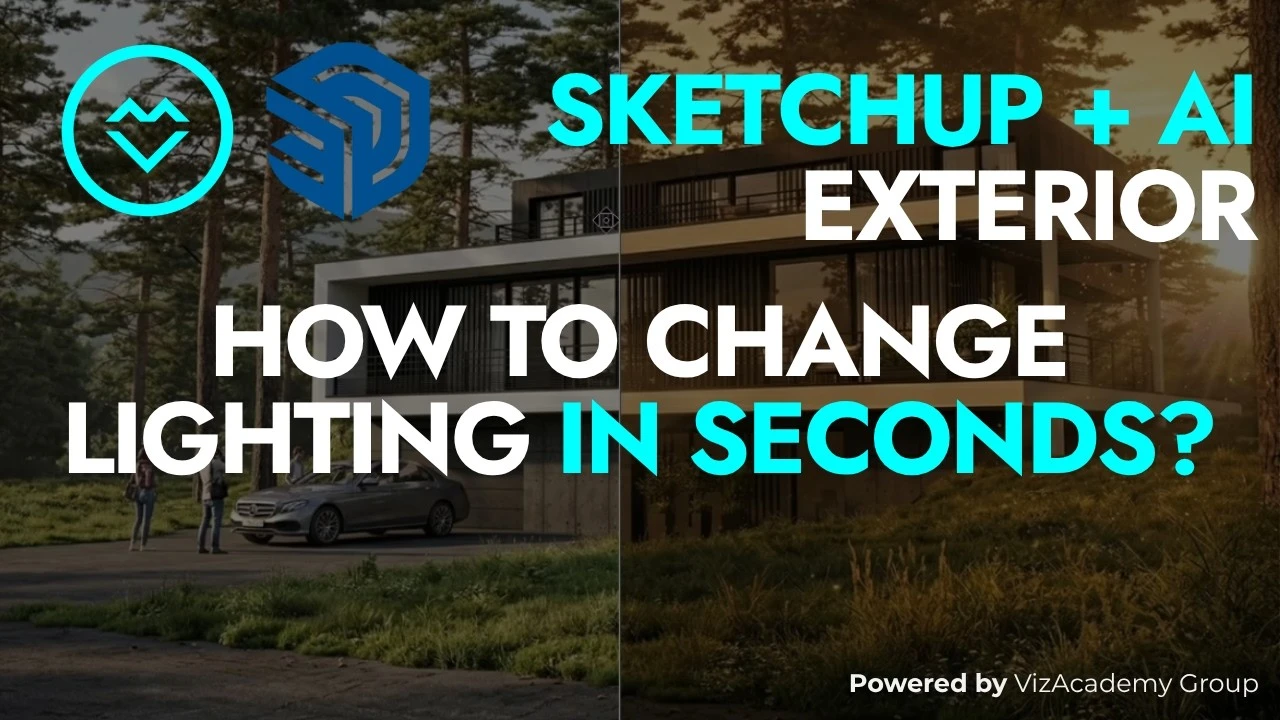
Lighting and Atmosphere · 4 min
Change Exterior Lighting in SketchUp Renders with AI Presets
Explore night, rain, golden-hour, artificial, and volumetric lighting in VizMaker while comparing each exterior variation with a prepared SketchUp-based image.
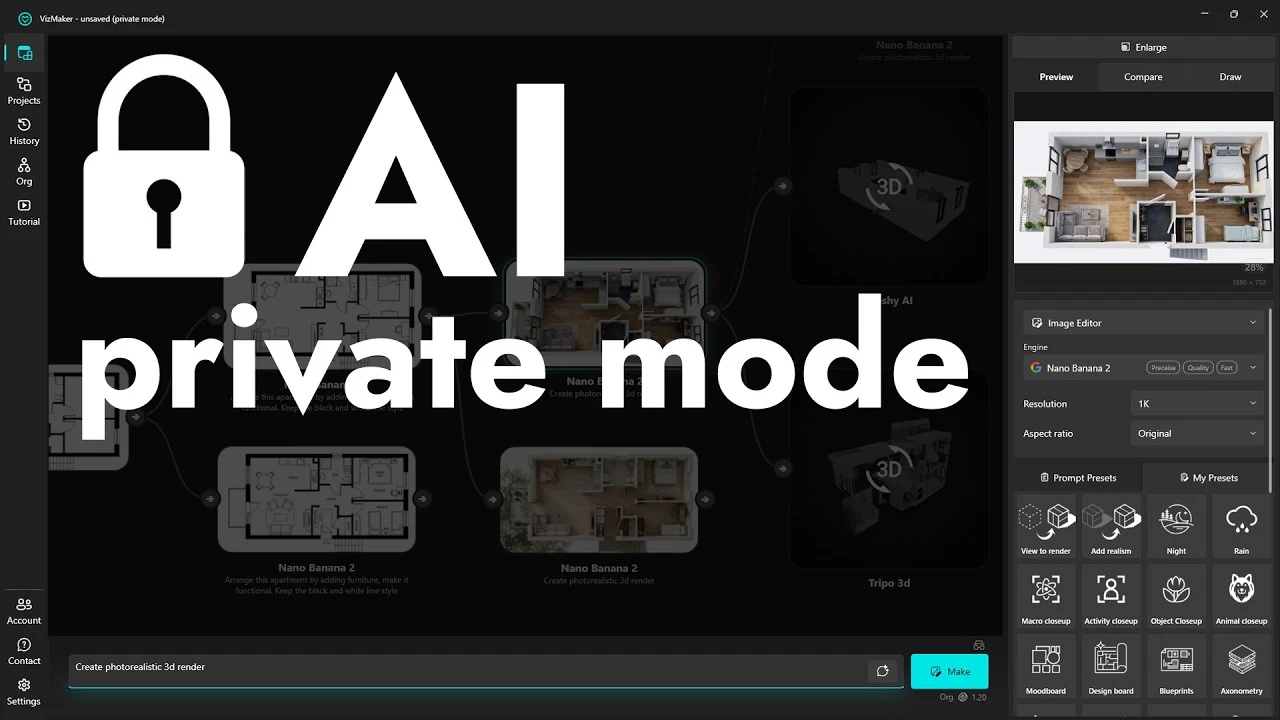
AI Design Workflow · 6 min
VizMaker Private Mode and a More Controlled AI Design Workflow
Build design variations from plans and reference images, manage local outputs with Private Mode, and keep prompts, team credits, and presentation assets organized.
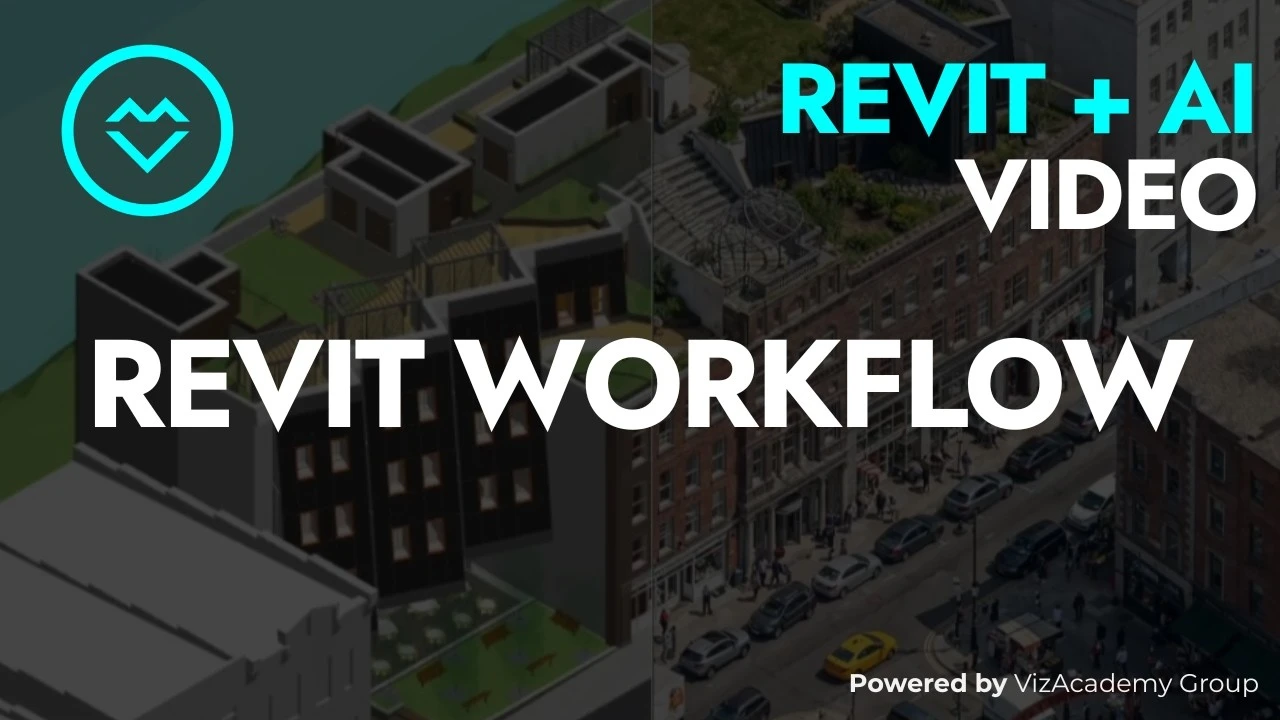
Architectural Rendering · 5 min
Revit AI Rendering: Prepare Clean Views for Better VizMaker Images
Build a Revit-to-VizMaker workflow around clean shaded views, specific material prompts, source comparison, and selective animation and upscaling.
AI 3D Modeling · 10 min
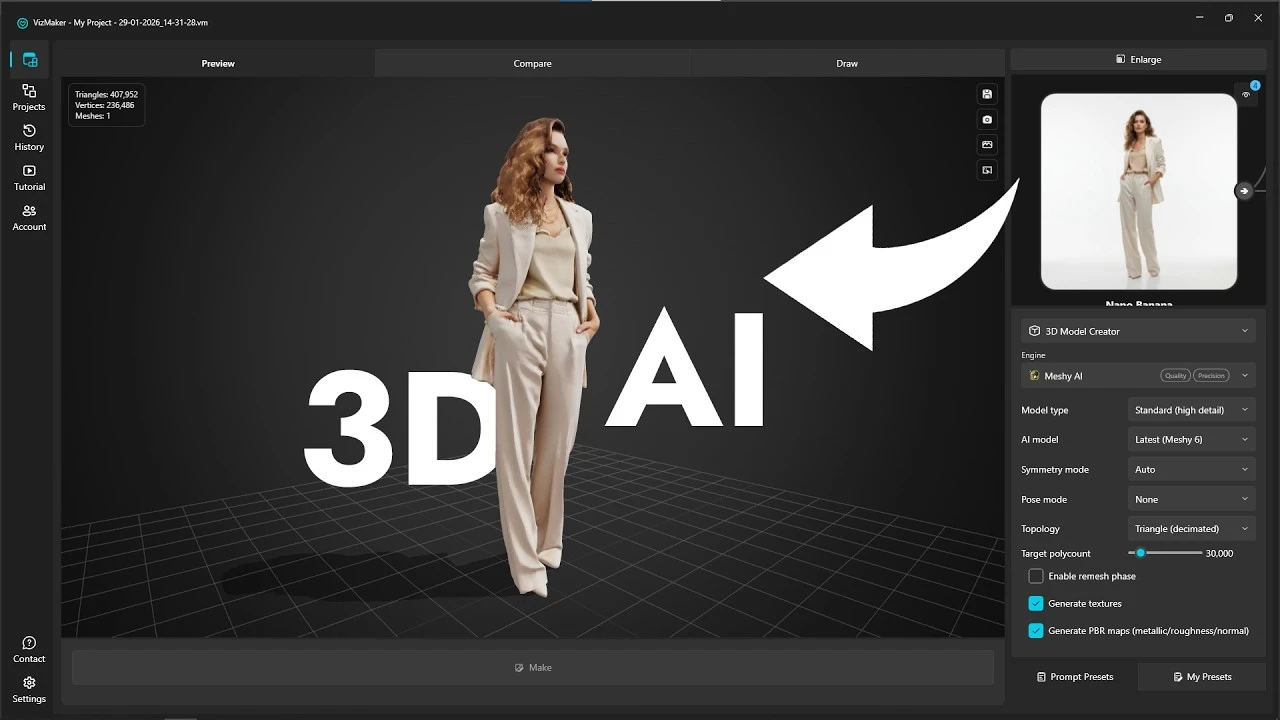
3D Model from a Photo in VizMaker: Tripo or Meshy AI?
Turn a photo, sketch, or detail from an interior image into a 3D model. Explore the VizMaker workflow, compare Tripo with Meshy AI, and prepare the result for your scene.