
An AI architectural video comparison is most useful when it separates tasks: preserving a building during an orbit, animating people, introducing new people and changing light. Adrian Mazur’s VizMaker comparison gives examples from Omni, Seedance 2.0 and Kling 3.0. Use them to plan your own shot checks rather than treating one result as a universal model ranking.
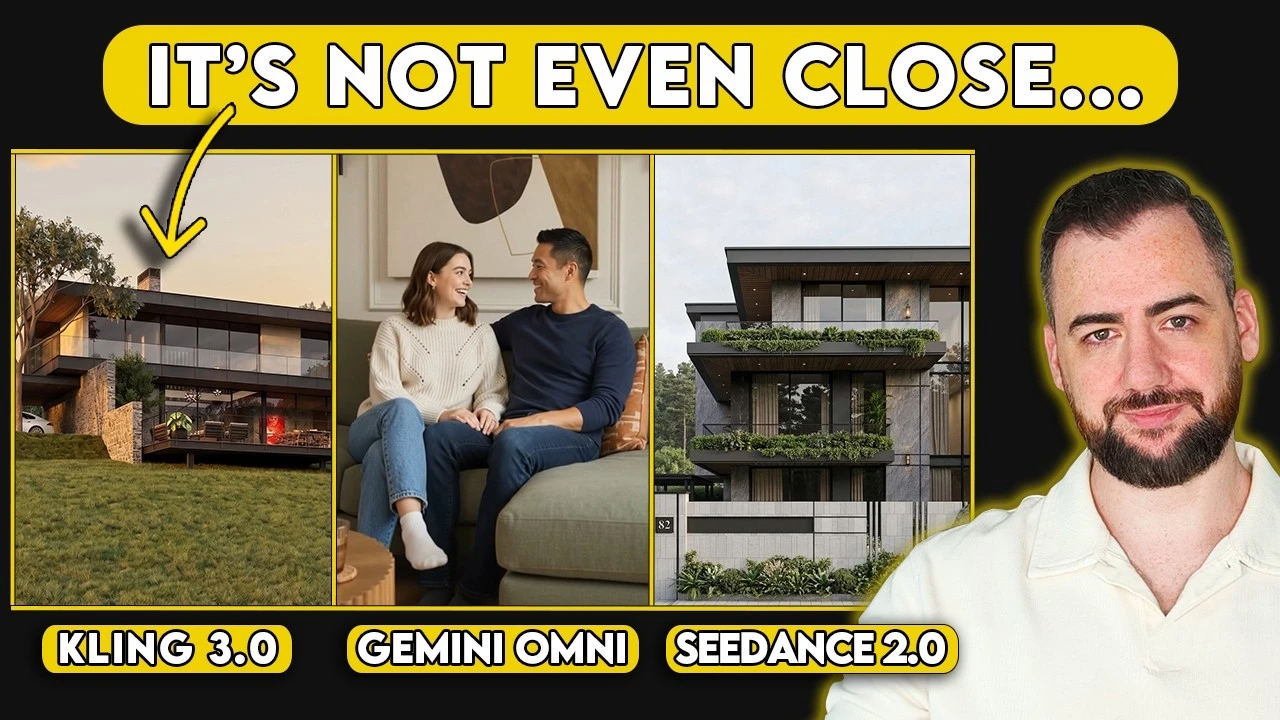
Choose a model for the shot you need
A model that handles a facade orbit well may behave differently when asked to animate faces or interpolate between lighting conditions. Reference images, aspect ratios and the motion brief also affect the result. A useful comparison keeps those factors visible.
This guide draws on the recording published on 30 August 2026. The video title calls the Google model Omni, while the demonstrated interface labels it Gemini Omni. Model names and settings here refer to that recording. The creator includes an affiliate promotion, and the comparisons reflect his selected examples and preferences, not a controlled benchmark.
1. Inspect the building and landscape during an orbit
Judge continuity across the shot, not only the attractiveness of one frame.
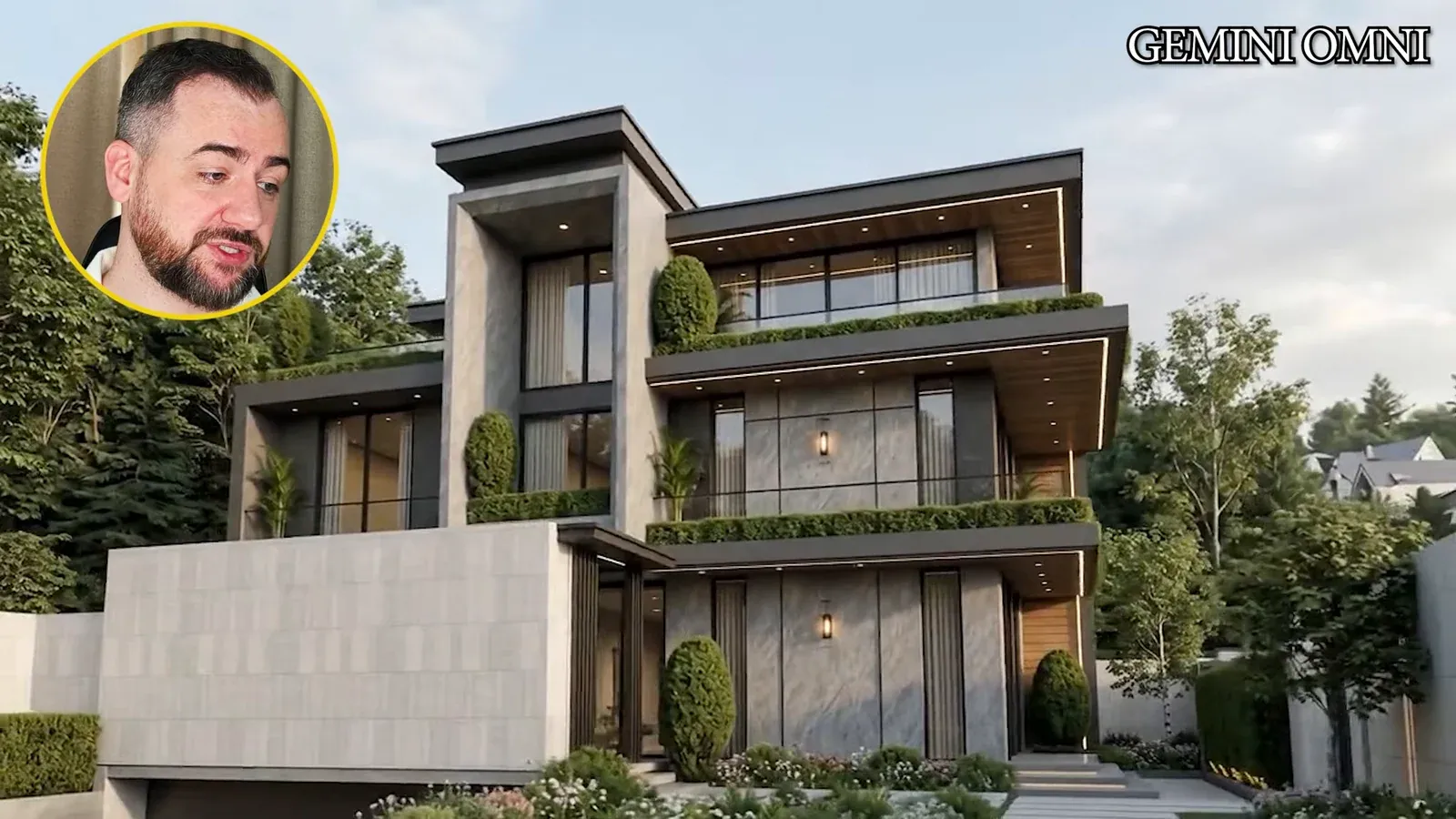
Begin with related exterior views and a defined camera movement. The source uses wide and closer angles of one house to create linked orbit clips with the three models. Keep the reference order and intended movement comparable when evaluating your own versions.
Inspect balcony edges, glazing, rooflines and planting throughout the clip. In the creator’s examples, Kling introduces noticeable changes in vegetation, Seedance appears calmer, and Omni is preferred for the exterior orbit. These observations apply to the shown outputs; another building or request may behave differently.
Record the output settings alongside each result. The source aims for similar short clips and resolution, but the available aspect-ratio behavior differs. When input coverage changes, the comparison includes an input-handling difference as well as a model difference.
2. Treat people already in the input as a separate case
Generation success and character consistency are different evaluation questions.
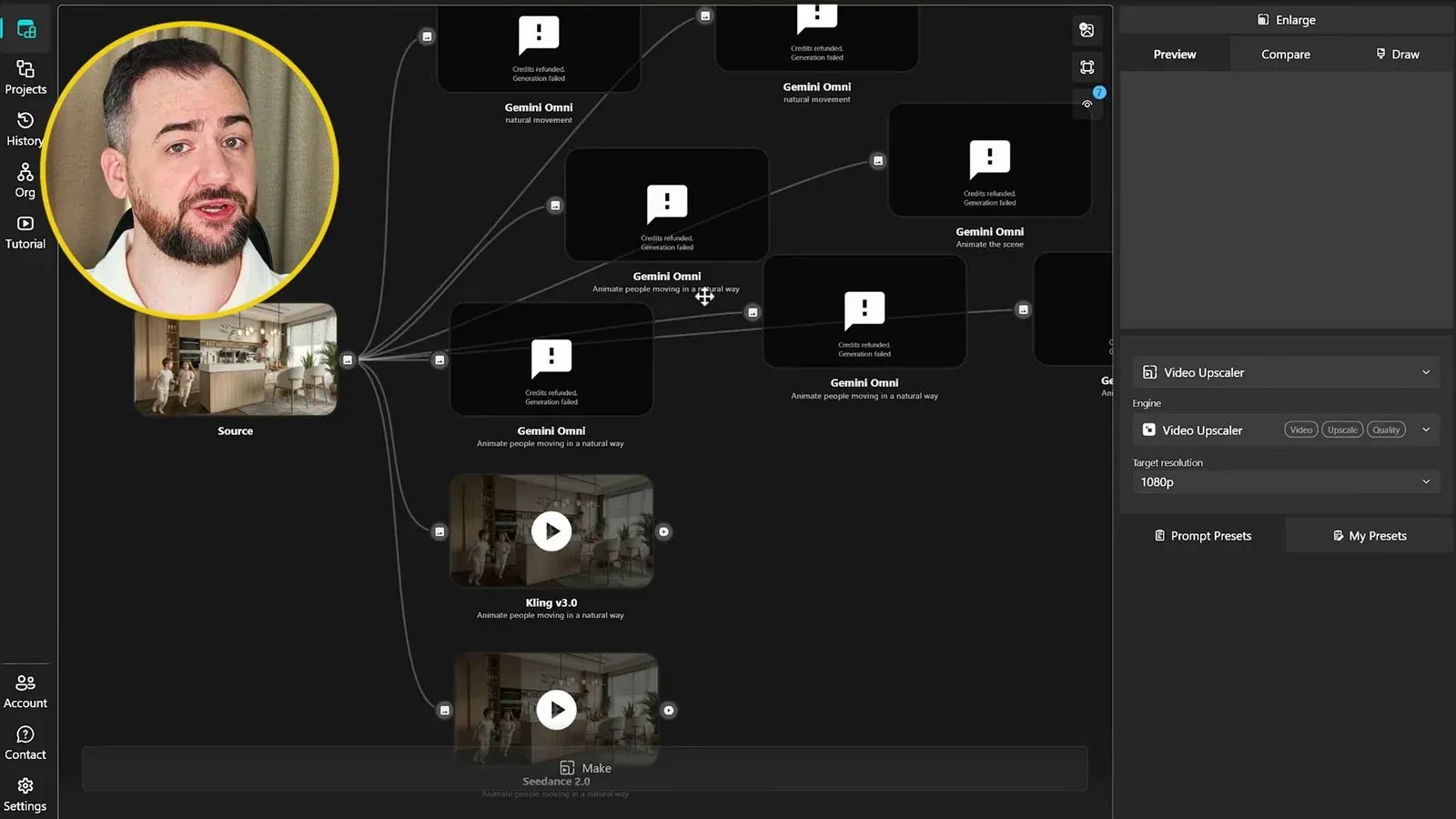
The second task starts with an interior that already contains people. It asks the models to animate that existing scene. Compare faces, body proportions, hands and the way people move around furniture while also checking the architecture.
The Gemini Omni branches shown in this example report generation failures. That establishes what happened to these requests. The creator suggests a restriction involving faces, but the recording does not establish a general policy or prove why every request failed.
Kling and Seedance produce clips, and the creator prefers the Seedance result for the people in this scene. A completed request still needs a full playback review: successful generation is not the same as usable character motion.
3. Separate adding people from animating existing figures
An empty-room reference gives the model a different problem to solve.
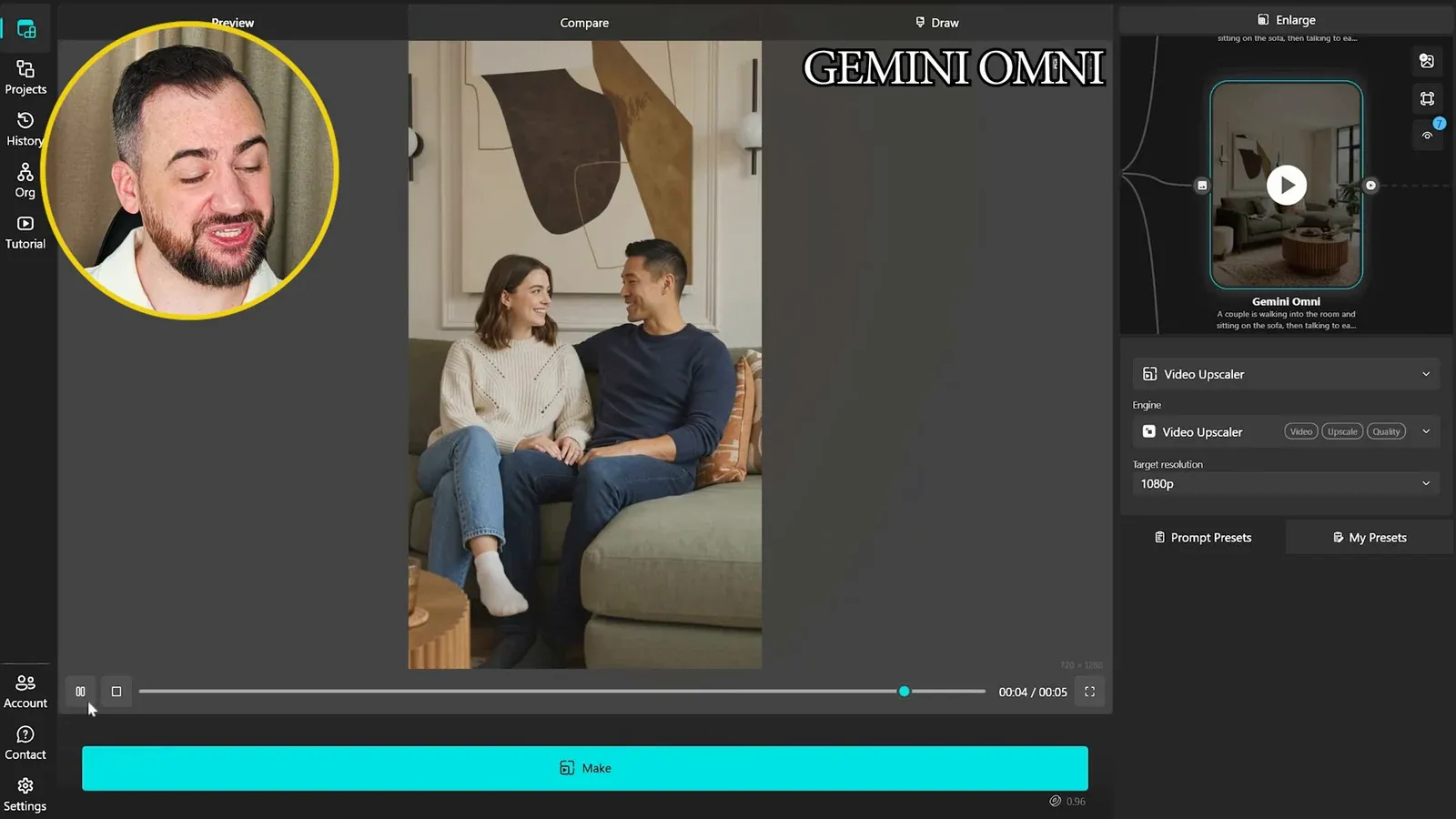
For the next comparison, begin with an empty living room and request a couple entering, sitting and talking. This asks for new characters and interactions, rather than preserving people already present in an input image.
Review whether the characters sit convincingly, make contact with the furniture and remain consistent. The creator prefers different aspects of the Seedance and Omni examples, while noting facial problems in the Kling output. These are observations from the selected clips.
The Omni result introduces a closer camera angle during the scene. That may help a cinematic story, but it also changes the brief. If the goal is an uninterrupted interior visualization, judge an unexpected cut as a camera-control issue even when the characters look convincing.
4. Align the frame before comparing mood transitions
Different image proportions can create a jump that resembles a motion-quality problem.
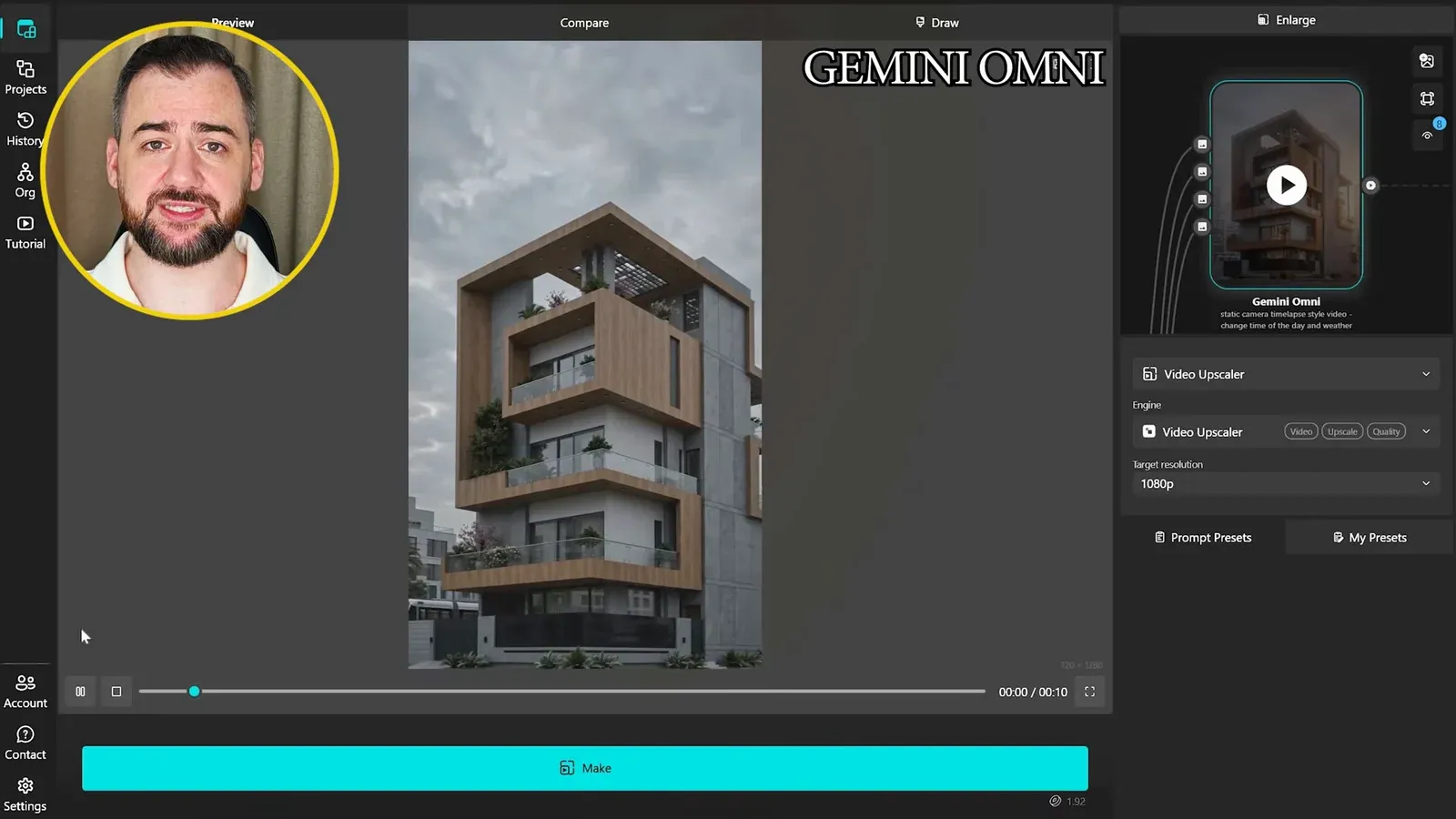
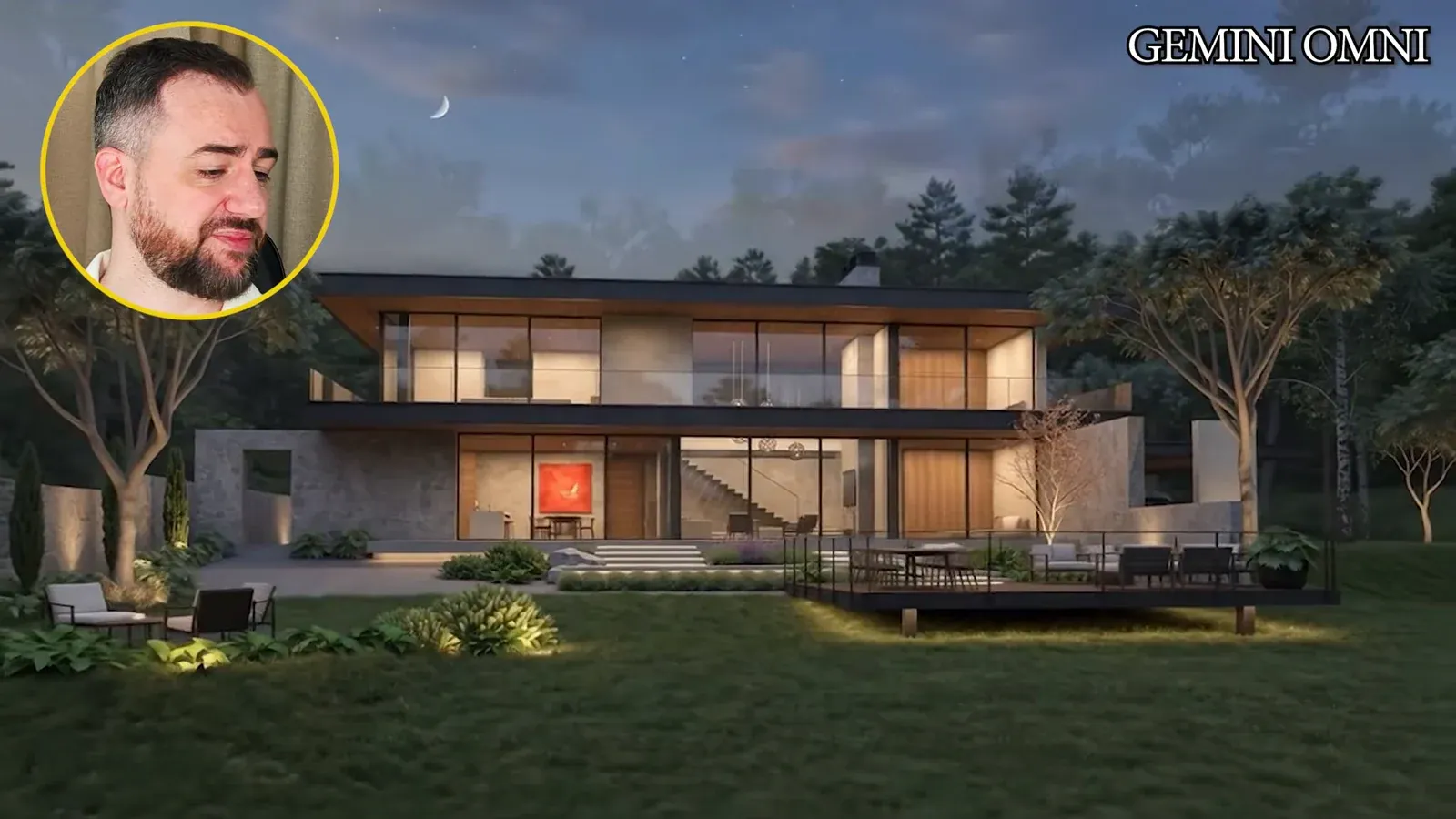
Prepare matching views of the building in different conditions, such as overcast weather, fog, night and golden-hour light. The source connects these as a series of architectural lighting transitions and compares how the models handle the changing mood.
Check the image boundaries as well as the building. In this example, fitting source images into a supported output ratio adds road or sky. Those additions differ between clips, creating discontinuity when the clips are joined. Align reference framing before judging the transition alone.
The recording also tries one longer generation with several image references, reducing the need to join separately framed clips. This is an alternative illustrated by the source, not a guarantee that every model accepts the same reference count or settings. Review vegetation, facade details and lighting in whichever approach you choose.
5. Combine movement and lighting only after checking both
A changing camera makes it harder to identify the cause of a continuity problem.
The final task combines an orbit with transitions from overcast conditions to night and then golden-hour light. It uses different exterior views, so both viewpoint and atmosphere change during the sequence.
Compare the references first. If vegetation or architectural detail already differs between them, the animation must resolve that mismatch. Do not attribute every changing tree or facade detail to the video model without checking its inputs.
The creator finds the results close in this example and gives Omni a slight preference. For a project decision, write down the actual acceptance criteria: a stable building silhouette, the intended camera direction, believable illumination and a clean join. Select the clip that satisfies those needs, rather than relying on an overall score.
Build a short comparison around your own presentation brief
Use the source examples to decide what to inspect, then compare a small number of versions using your own approved images. Separate character tasks from building transitions, align reference framing and retain the settings with each result. The most useful output is the one that serves the shot, not the one attached to the highest general score.
- Distinguish existing-person animation from adding people to an empty room.
- Check aspect ratio and reference continuity before blaming a model for a jump.
- Treat the creator’s preferences as observations from these examples, not an independent ranking.
Questions and answers
Which model is best for architectural video?
This recording does not establish a universal winner. The creator prefers different outputs for exterior continuity, people and mood transitions. Compare the models on the specific shot, references and delivery requirements you need.
Does the failed Omni example prove that it cannot animate people?
No. It shows failed requests for one occupied-interior input. The same recording later shows Omni creating people in an initially empty room. The failure reason and broader policy are not established by these examples.
Why can a day-to-night sequence jump between clips?
Check the references and their framing. The recording shows different amounts of road and sky being introduced when the source images are fitted to an output ratio. Joining those clips can expose the mismatch.
See Adrian Mazur’s selected Omni, Seedance 2.0 and Kling 3.0 outputs and assess their movement, people and transitions in the full recording.
Watch the full comparisonSource: Google Omni vs Seedance 2.0 vs Kling 3.0 | Full Comparison · Adrian Mazur | AI for Architects ·