
VizMaker

AI Tool for CreatorsWho Expect More

The most versatile AI application, making your creative process faster and easier than ever.

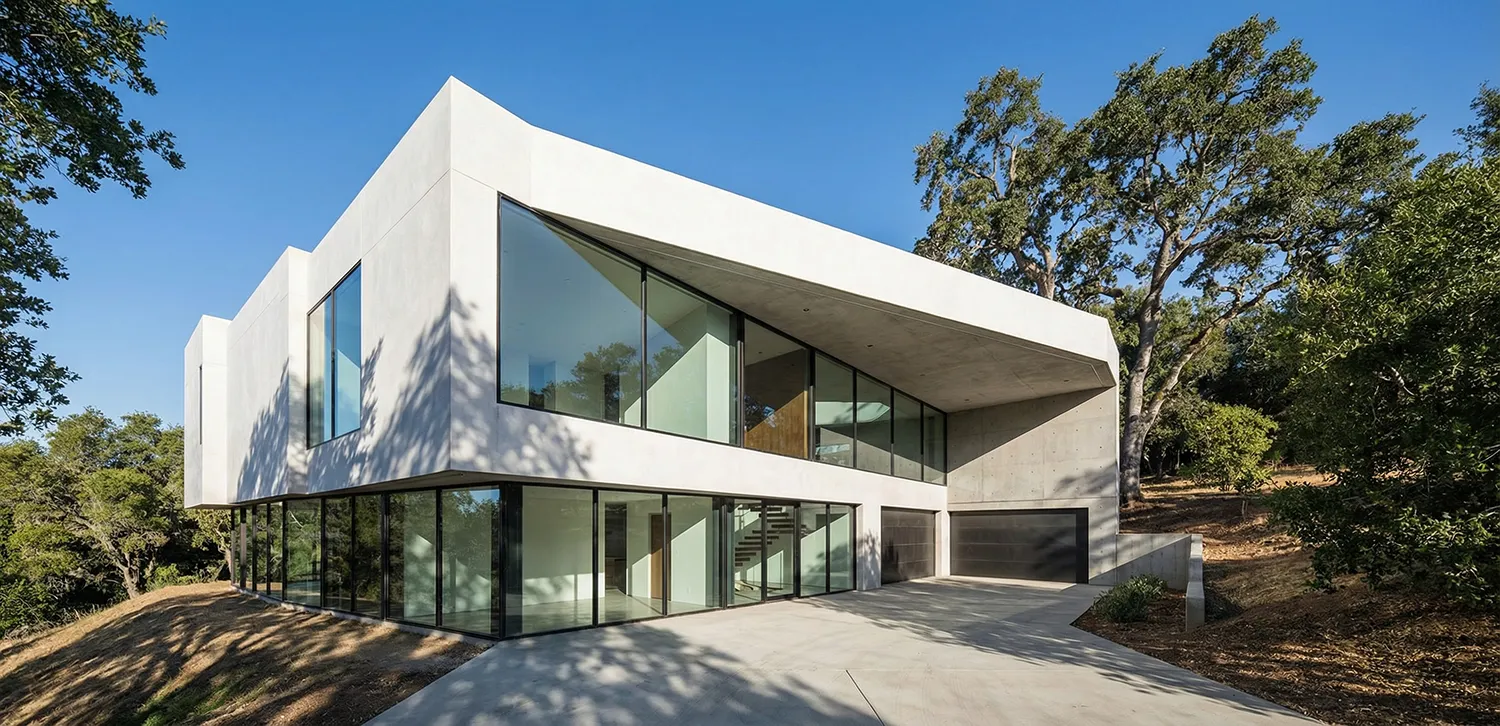
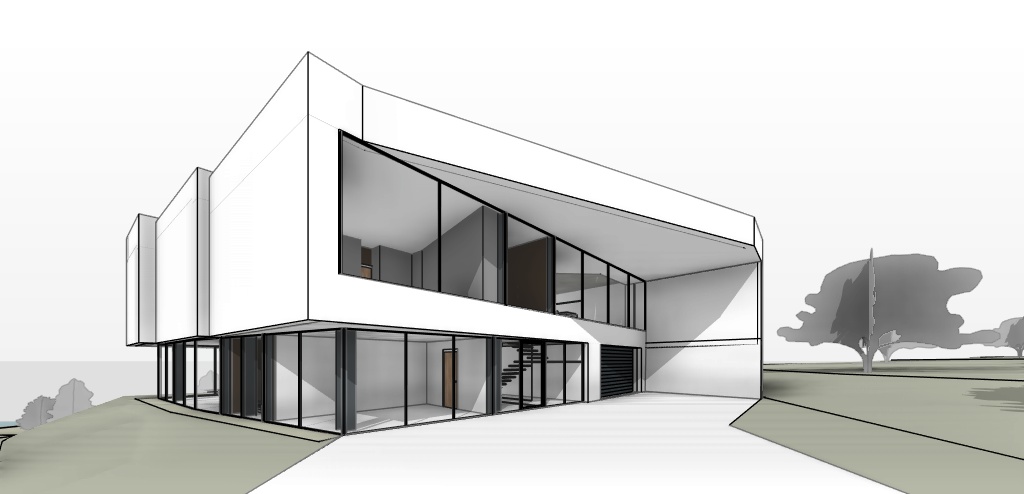
Bring your ideas to realistic life

VizMaker helps architects, designers, and creators turn concepts into striking visuals with speed, precision, and ease.

  • Lightning fastRender high-quality visuals in seconds.
  • True to designAccurate results that stay faithful to your vision.
  • Up to 8K resolutionNative 4K output, with AI upscaling up to 8K resolution.

Create cinematic shots

Create professional videos at the highest quality with the latest AI models.

  • Architectural animationBring interiors, exteriors, and complete architectural concepts to life.
  • Character and product animationCreate expressive character motion and polished product sequences.
  • Advanced featuresDefine first and last frames, generate audio, extend clips, and work from 1080p up to 4K.
Interior SciFi

Create without limits

Keep every idea moving - from the first spark to the final detail-with a workflow built for speed, scale, and creative control.

  • Maximum generation speedSpeed is our priority - every generation starts immediately, without queues, so your creative flow never has to wait.
  • Unlimited parallel generationsExplore as many directions at once as you need-no queues and no one-at-a-time bottlenecks.
  • Affordable by designCreate more for less with one of the most competitive price points on the market.
  • Advanced editingRefine selected areas, control composition, and perfect every detail with tools built by VizMaker.

Redesign any space

Start with a video of your space. Explore new styles and layouts, and see the redesign from every angle.

See interior redesign in action

Follow the workflow and choose the right engine for consistent results.

Watch the tutorial on YouTube
  • From site to finished spaceShow clients a new vision for an unfinished interior in minutes.
  • More ideas from one videoExplore different styles, materials, and furniture layouts from the same recording.
  • See the whole spaceFollow the camera through the interior and review the redesign from each viewpoint.

Edit every object with precision

Point to what you want to change. Add a reference image or a short instruction, and guide every edit.

See precise editing in action

Learn how to guide edits with arrows, text, and reference images.

Watch the tutorial on YouTube
  • Point to the exact objectUse arrows and text to show what to replace, refine, or remove.
  • Guide edits with referencesAdd images of furniture, materials, or details to show the result you want.
  • Change more in one goCombine multiple references and instructions in a single edit.

Generate a 3D model from a sketch or photo

Turn a single image into a detailed, textured 3D model, ready for your design workflow.

See 3D generation in action

Learn how to turn a single image into a textured 3D model.

Watch the tutorial on YouTube
  • One image is all it takesStart with a sketch or photo and generate a complete 3D model.
  • One-click import with VizMaker BridgeSend your model straight to 3ds Max or SketchUp in one click.
  • Save time and moneyCreate models faster and reduce the need to buy ready-made assets from other sites.
Pricing

Flexible pricing for every creator

With us, your credits never expire!Enjoy some of the most competitive prices on the market.

Estimated usage

Professional

Your privacy.Our priority.

VizMaker is designed with privacy and security at its core. Your data, your projects, and your ideas are always protected.

VizMaker security shield
  • Private mode

    The built-in private mode guarantees that your source files, generated files, and prompts stay only on your computer.

  • Your data stays yours

    We never sell or share your data. Your projects remain private and accessible only to you.

  • Secure by design

    End-to-end encryption and industry-standard security protect your work at every step.

  • Transparency first

    Clear policies, no hidden tracking, and full control over your information.

FAQ

Need clarity? Start here. Didn't find your answer?